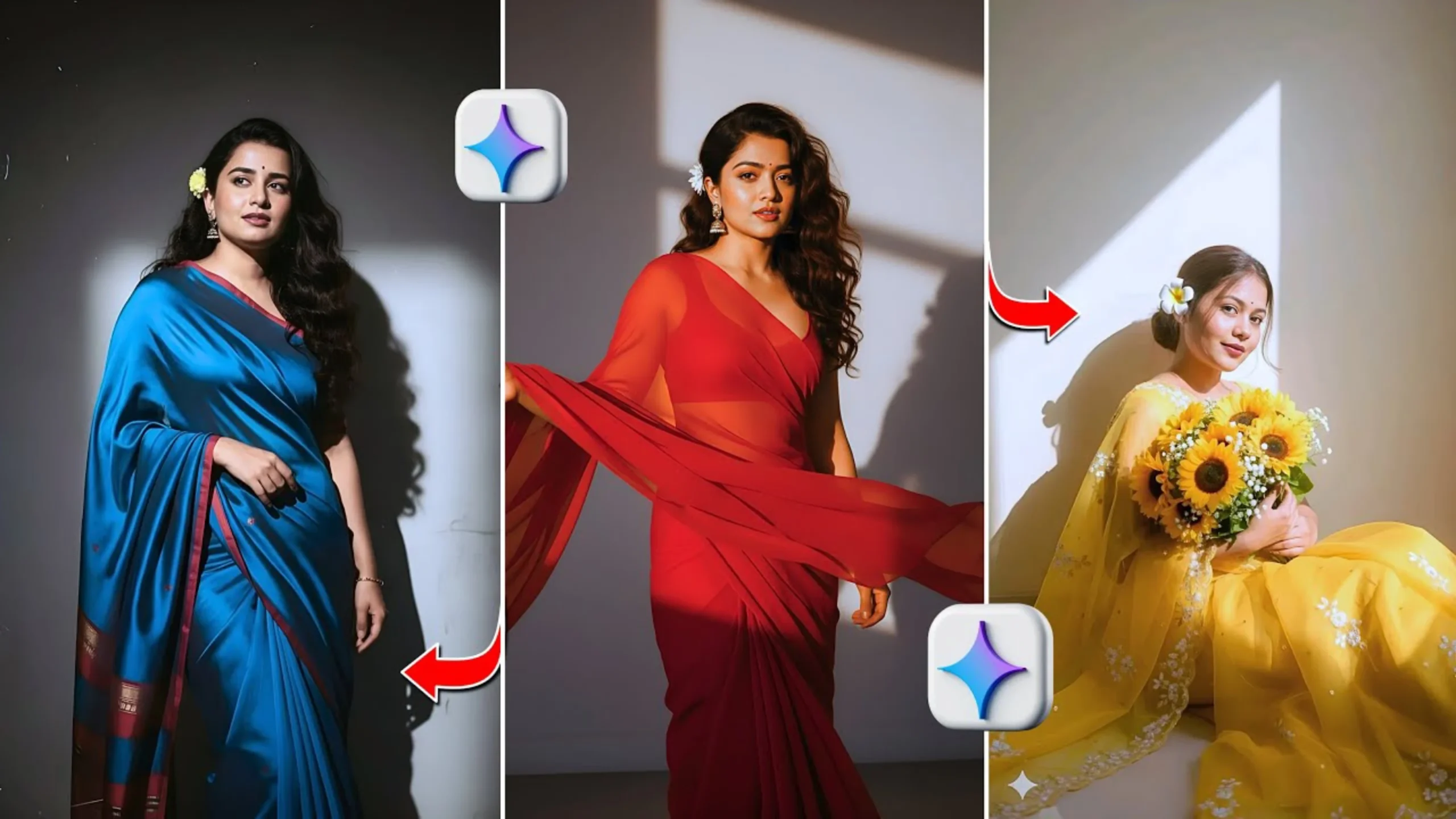
Top 20 Google Gemini AI Photo Prompts
For ultra-realistic images.
Twenty prompts for lighting, skin texture, and style. Results depend on the exact wording and the current Gemini model. Instant studio quality is not guaranteed.
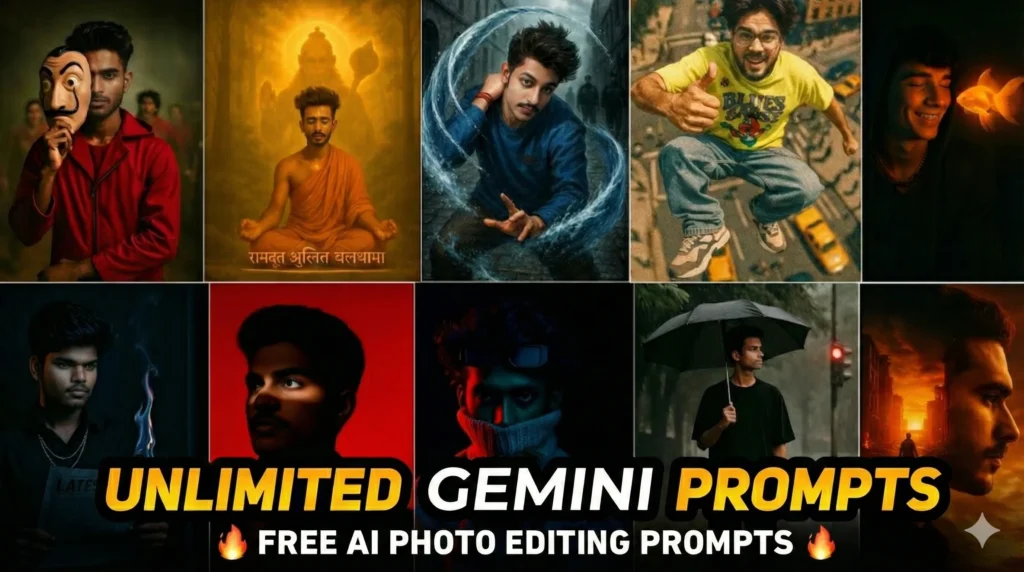
Three points
- 20 prompts — covering soft light, hyper-real detail, film, studio, cinematic, golden hour, bokeh, monochrome, and more.
- Three main controls — lighting style, skin texture, and overall realism versus stylization.
- Results vary — the same prompt does not produce identical output across Gemini versions or sessions.
What the prompts do
A common claim is that Google Gemini AI produces ultra-realistic studio-quality portraits in seconds with the right prompt, with no photography experience required. The fact is that Gemini can generate detailed, realistic images from a descriptive prompt, but the result depends on the exact wording, the model version, and whether a reference image is supplied. Lighting, skin texture, and style are controllable. They are not fixed. A prompt is a starting point.
The twenty prompts below describe different lighting setups, texture levels, and aesthetic directions. Soft natural glow and golden hour shine favor warm, flattering light. Hyper real facial detail and ultra crisp character shot push micro-texture. Vintage film, realistic black and white, and painterly artistic realism move away from straight photography. Studio shot perfection and sharp professional headshot aim for clean, even light. Cinematic dramatic lighting and moody dark aesthetic increase contrast. Soft bokeh background blur controls depth of field. Mixing elements (for example, golden hour plus hyper-real detail) is a common way to refine a result.
Google’s own terms and policies apply to generated images. Personal prompts are generally usable within those rules. The original guide noted that Gemini preserves pores and minor imperfections more readily than tools that default to heavy smoothing. That behavior can change with model updates. Test the prompt, adjust one element at a time, and keep the version of the model in mind when comparing results.
Most prompts combine two or more controls. Results still vary by model version.
Top 20 Google Gemini AI photo prompts
Warm, gentle lighting similar to soft morning sun. Brightens facial features while keeping skin texture authentic and clean. Useful for beauty shots, lifestyle portraits, and profile pictures.
Enhances pores, fine hairs, and micro-textures. Aims for clarity that approaches macro photography. Useful for makeup creators and character artists.
Grainy textures, faded tones, and nostalgic color palettes that mimic classic film. Warm and editorial. Useful for storytelling or retro content.
Controlled lighting of a premium studio. Smooth backgrounds, even shadows, and clean outlines that highlight facial structure. Useful for professional profiles and branding.
Boosts shadows and highlights for a movie-like atmosphere. Useful for hero shots and character imagery that needs emotional depth.
Mimics outdoor conditions with sun-kissed highlights and organic shadows. Useful for travel or natural lifestyle portraits.
Enhances clarity without fully removing natural texture. Sharper eyes, more defined lips, balanced lighting. Useful for cosmetics and personal branding.
Darkens tones and deepens shadows while preserving facial detail. Useful for cinematic or character-driven portraits.
Bold contrast, sharpness, and confident structure that mimics luxury magazine shoots. Useful for fashion concepts and social media.
Pastel colors, creamy highlights, and dreamlike tones. Useful for fantasy or romantic storytelling.
Gritty textures, intense shadows, and street-style energy. Useful for urban or edgy visuals.
Glowing skin, soft warmth, and shadow play that simulates golden hour. Useful for travel, beauty, and outdoor aesthetics.
Shallow depth-of-field effect. Subject stays sharp while the background becomes smooth blurred circles.
Monochrome with crisp contrast. Useful for classic portraits and dramatic storytelling.
Blend of realism and artistic strokes. Portraits that feel hand-painted while keeping facial detail.
Sparkles, soft glow, and magical lighting. Useful for dreamy or enchanting portraits.
Crisp lighting and balanced tones for resumes, business profiles, and corporate branding.
Earthy tones, greenery, and soft light for a grounded, nature-inspired portrait.
Warm tones and gentle shadows for a cozy feel. Useful for natural beauty or lifestyle content.
Enhances sharpness, facial structure, and personality for expressive character art.
Practical adjustments
Lighting choice matters. Soft natural light suits beauty and lifestyle. Harsh or directional light increases drama. Golden hour or warm tones flatter skin. Studio-style lighting aims for even, clean results.
Balance realism and style. High-detail prompts suit professional or branding shots. Painterly or fantasy prompts suit artistic work. Retro or monochrome prompts suit thematic storytelling. Match the prompt to the mood you want.
Depth and texture can be tuned. Bokeh-style prompts keep attention on the subject. Texture-rich prompts increase micro-detail. Smooth-skin prompts suit beauty shots but can reduce realism if overdone. Change one element at a time so the effect is visible.
What it means
The twenty prompts describe lighting, texture, and style directions that Gemini can follow. They do not guarantee identical or studio-quality results on every run. Use the list as a starting set. Test the current Gemini model. Adjust one word or one lighting phrase at a time. Check Google’s policies for how generated images may be used.
Common misreadings
- A prompt is not a fixed result. Output varies by model and session.
- Preserved skin texture is a behavior, not a permanent guarantee.
- Mixing prompts works, but small changes are easier to evaluate.
Where the prompts come from
How we built this
- Source: the twenty Gemini portrait prompt descriptions restated for this format.
- Scope: Prompt descriptions kept as practical starting points. Claims of guaranteed studio quality treated as not shown.
- Figures: 20 is the number of prompts. Three is the number of main controls. Results vary is the limit.