7 Hidden Android Features: Discover 7 powerful Android features most users never use. From Smart Lock to Wi-Fi sharing and screen recording, unlock your phone’s hidden potential in minutes.
Most Android phones are packed with smart tools that quietly sit unused for years. While many people limit their phones to calls, chats, and social media, Android hides several built-in features that can save time, protect privacy, and make daily use far more convenient—without installing a single extra app.
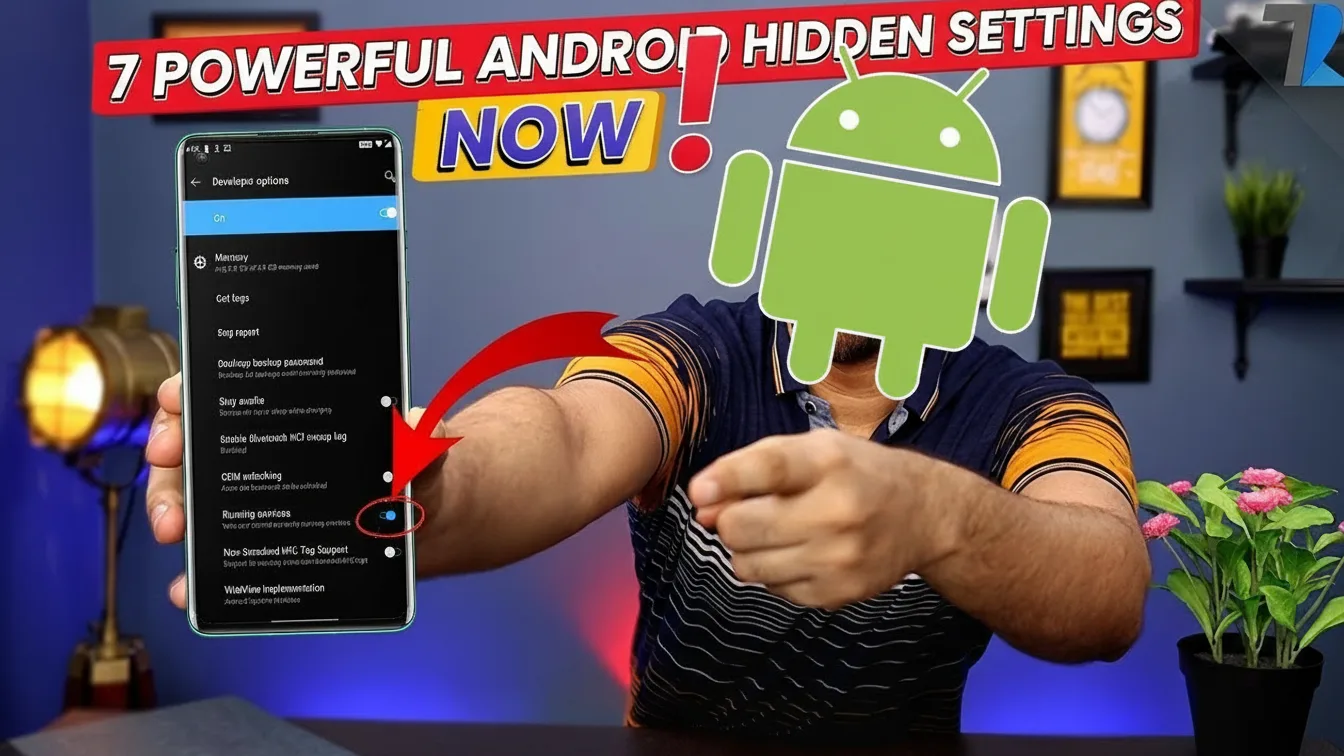
If you’ve ever felt your phone could work smarter, not harder, these lesser-known Android features are worth exploring. They’re available on most modern devices and can be activated in minutes.
1. Stay Unlocked Where You Feel Safe
Tired of unlocking your phone repeatedly at home or in your car? Android’s Smart Lock lets your device remain unlocked in trusted environments like your home location or when connected to known Bluetooth devices such as a smartwatch or car system.
This keeps security intact while removing unnecessary friction during everyday use.
Where to find it:
Settings → Security → Smart Lock
ये रिपोर्ट पढ़ें: Top 20 Google Gemini AI Photo Prompts for Ultra-Realistic Images.
2. Find Apps That Are Quietly Killing Your Battery
If your battery doesn’t last as long as it should, the culprit is often a background app. Android’s Battery Usage view shows exactly which apps consume the most power throughout the day.
By spotting unusual battery drain early, you can restrict or remove problematic apps before they affect performance.
Where to find it:
Settings → Battery → Battery Usage
3. Hand Over Your Phone Without Exposing Personal Data
Lending your phone doesn’t have to mean sharing your photos, messages, or apps. Guest Mode creates a temporary user profile that keeps your personal data completely hidden.
It’s ideal when giving your phone to kids, friends, or colleagues.
How to enable:
Swipe down → Tap profile icon → Add Guest
4. Share Wi-Fi Access Without Revealing Your Password
Instead of spelling out long Wi-Fi passwords, Android lets you generate a QR code that others can scan to connect instantly. This keeps your password private while making sharing effortless.
Where to find it:
Settings → Wi-Fi → Connected Network → Share
5. Recover Notifications You Accidentally Dismissed
Cleared a notification too quickly? Android’s Notification History stores recently dismissed alerts so you can review them later—including messages and app notifications.
This feature is especially useful if you rely on notifications for work or important updates.
Where to enable:
Settings → Notifications → Notification History
ये रिपोर्ट पढ़ें: How to Spot Hidden Cameras in Minutes (Using Your Phone)s.
6. Record Your Screen Without Installing Any App
Need to capture a tutorial, save a clip, or report a bug? Android’s built-in Screen Recorder handles it effortlessly, with no third-party apps required.
You can even record audio and on-screen touches on supported devices.
How to access:
Swipe down Quick Settings → Screen Recorder
7. Zoom In Anywhere on Your Screen
Small text can be frustrating, but Android’s Magnification feature allows you to zoom into any part of the screen using a simple gesture or shortcut.
Originally designed for accessibility, it’s useful for anyone reading fine text or detailed content.
Where to find it:
Settings → Accessibility → Magnification
Why These Features Often Go Unnoticed
Android doesn’t advertise these tools aggressively. Most are buried deep inside settings menus, quietly waiting to be discovered. Once enabled, however, they can noticeably improve how smoothly your phone fits into daily life.
A few minutes of exploration can unlock features that feel like upgrades—without spending a rupee.